Crown Security Updates
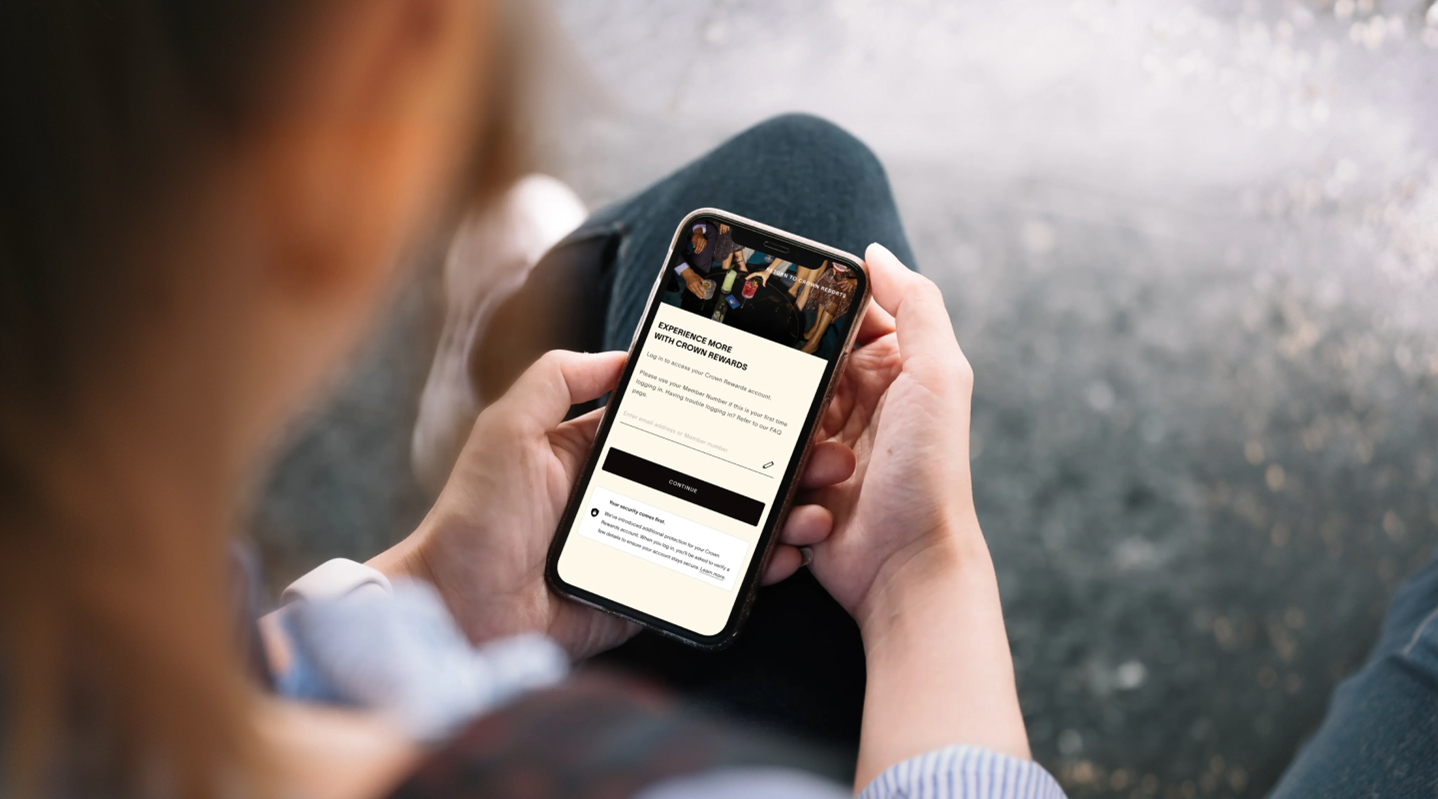
CROWN SECURITY UPDATES
WE’VE ADDED EXTRA SECURITY TO YOUR ACCOUNT
Keeping your Account secure is one of our highest priorities. As online threats continue to evolve, passwords alone are no longer enough to protect personal information. That’s why we’re introducing Multi‑Factor Authentication (MFA) — an extra layer of security designed to better safeguard your Account.
This update helps ensure that only you can access your Account, even if someone else manages to get a hold of your password.
What is MFA?
Multi‑Factor Authentication adds an extra step to the sign‑in process. Instead of relying on just a password, MFA confirms your identity using more than one factor — information you already know (your current password) and a second verification prompt (a one‑time code sent to your phone).
This means that even if your password is compromised, your Account remains protected.
Why is this important?
Passwords are one of the most common points of failure in online security. Many people reuse passwords across multiple services, and phishing attacks are becoming increasingly convincing.
MFA helps protect against:
- Unauthorised access — even if a password is stolen
- Phishing and social engineering attacks
- Account takeovers and misuse
Adding MFA significantly reduces the risk of someone else accessing your Account.
YOUR MFA QUESTIONS, ANSWERED
Is my information safe?
Is my information safe?
These changes are part of our ongoing commitment to keeping your Account and personal information safe. While no system can be completely risk‑free, MFA is one of the most effective ways to significantly improve security with minimal impact on your experience.
If you have questions or need help setting this up, our support team is here to help.
Will I need to enter a code every time I log in?
Will I need to enter a code every time I log in?
Yes. A code will be sent to your mobile number each time you log in.
Why do I need to provide both an email address and a mobile number?
Why do I need to provide both an email address and a mobile number?
Each play a different role in keeping your Account secure. Your email helps with identity verification and Account recovery, while your mobile number is used to send one‑time verification codes for MFA.
How will my mobile number be used?
How will my mobile number be used?
Your mobile number is used solely for security‑related purposes, such as sending one‑time verification codes. It will not be used for marketing messages.
What if I don’t have access to my phone?
What if I don’t have access to my phone?
If you’re unable to receive a verification code, you’ll be guided through alternative steps to confirm your identity or recover access to your Account.
Why do I need to change my password?
Why do I need to change my password?
Stronger passwords significantly reduce the risk of unauthorised access. Updating password requirements ensures your Account is protected against modern security threats and aligns with current best practices.
What are the new password requirements?
What are the new password requirements?
You’ll see the full requirements during setup. In general, the new rules focus on increased length and complexity to make passwords more secure, without making them difficult to remember.
Is MFA mandatory?
Is MFA mandatory?
Yes. MFA is being introduced to protect all Accounts and will be required to continue using the service.
What are Phishing Attacks?
What are Phishing Attacks?
Phishing attacks are attempts by cybercriminals to trick you into giving away personal information — such as your password, credit card number or Account details — by pretending to be a trusted organisation.
These attacks often appear as emails, text messages or fake websites that look legitimate, making them increasingly difficult to spot.
Phishing messages typically create a sense of urgency or mimic real communications to convince you to click a link, download an attachment or enter your details on a fraudulent page. Once this information is stolen, attackers can use it to access your Account or impersonate you online.